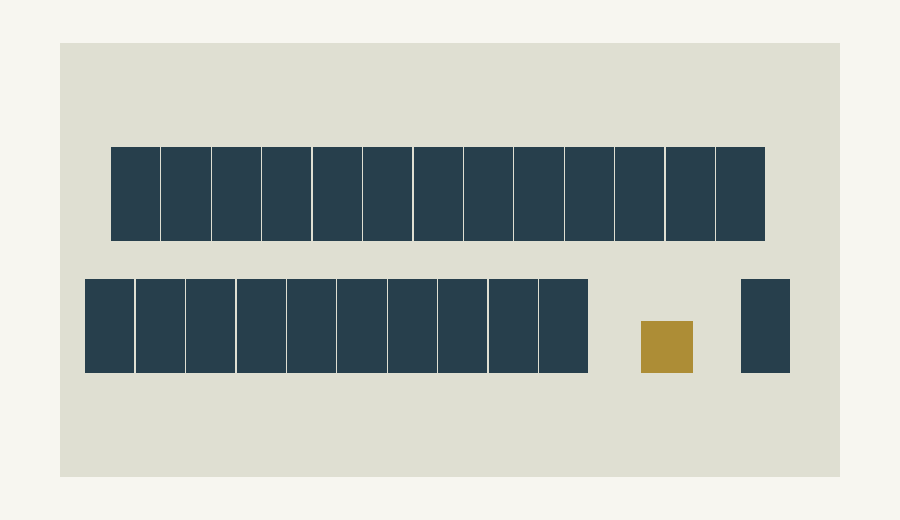
The real canvas and layout engine. Example changes do not write to saved projects.
Single-line, materials and technical outputs
Open optional tools from the project when needed. Preliminary single-line SVG/PDF, materials CSV and technical reports use the same project data. Electrical outputs require authorised engineering review before installation.
Marketing and helper tools support Turkish/English; the main Studio and proposal PDF are in Turkish. Standalone projects are browser-local and can move via JSON backup. Currency preferences change display, not exchange values. The example project lives only on its open page and resets on refresh.
In standalone mode, project and tracking records stay in this browser. Export a JSON backup to move them to another device.
DEALER PLANS
A Studio that fits your business.
Start with proposals. Add 3D design. Bring your team together.
01SALES ESSENTIALS
Starter
For dealers who need clear proposals and an organised sales workflow.
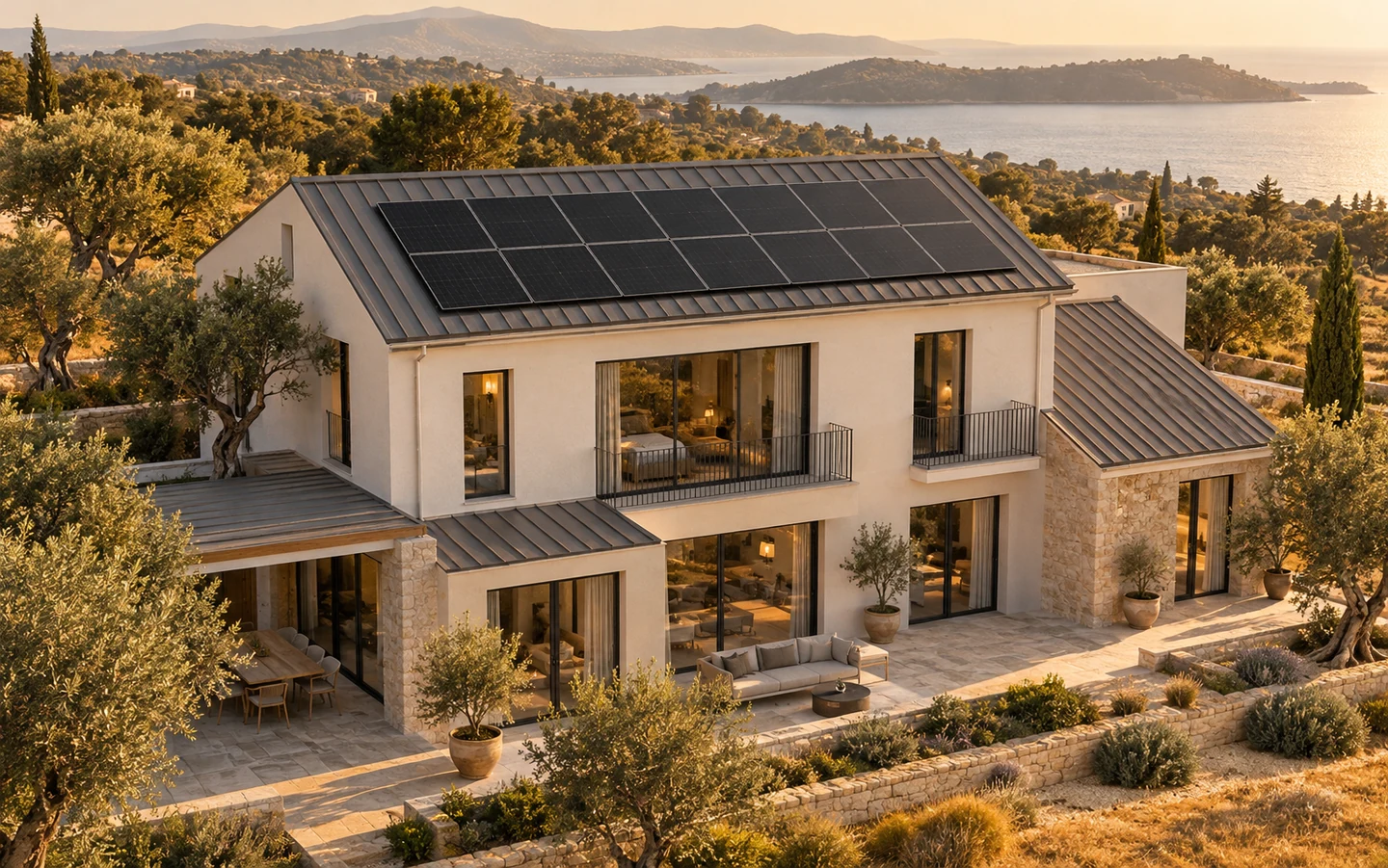
Images are AI-generated concepts, not customer installations or measured site data.
INTRODUCING NIVO.
What’s next
for your project?
A solar helper that checks your project and makes the missing pieces visible. Start with a question and move to the relevant design step.
nivo / project assistant
Sample project · 24 panels / 13.2 kWp
Nivo is a guided checker grounded in the current project data.
You
What should I do next?
Nivo
The layout is in place. Let’s check the assumptions.
This example has 24 modules rated at 550 W. Verify the location and surface orientations, run the yield analysis, then review consumption and price inputs.
Reads project dataShows missing inputsPoints to the next step
Starter includes 2D layouts and proposal tools. Professional and Enterprise include 3D roofs, module modelling and Google photorealistic context. Enterprise also includes cloud workspaces and team roles.
How is my plan activated?
Choose a plan, sign in and submit your company details. Once commercial terms are agreed, an administrator assigns the plan and access period to your account. The application does not collect online payments.
Do I need a map API key?
Studio provides the Google Maps connection; no personal API key is required. Google photorealistic 3D context is available with Professional and Enterprise. Image detail and 3D coverage depend on the location and provider.
Are these visuals measured models?
The animations on this page are illustrative product explanations. In the studio, the 3D roof is built from your boundaries, heights and pitches. Satellite imagery or your own photo can provide a texture. A single photo does not produce a photogrammetric survey.
How does Nivo work?
It checks roof, module and analysis inputs in the project and highlights the next steps. It is a guided project checker, not an independent AI service or a replacement for site measurements and authorised engineering approval.
Where are my projects saved?
In default standalone mode, projects and proposal records are stored in this device’s browser. Download project JSON files and proposal PDFs before changing devices. Clearing browser data can remove the records.
Are yield and payback guaranteed?
Results are preliminary feasibility estimates based on location, orientation, shading, consumption and price assumptions. An estimated source is clearly identified if PVGIS is unavailable. Financial outputs are not a savings or investment guarantee.
Can I track a project after the proposal?
Yes. The Studio dashboard keeps project status, owner, dates and notes together. Record payment plans and partial receipts manually, and open preliminary single-line, materials and technical report tools from the project. Payment tracking does not connect to a bank or process online payments.
BECOME A SOLAR NIVO DEALER
Build your next
project with us.
Choose the plan that fits your business and turn your design into a strong customer proposal.